
Patch 1.43.2
We’re following the trend of lengthy Patch Notes with another chunky one today. Aside from the list of bug fixes and improvements at the end, we want to give a bit of a deep dive into one particular improvement going into this update and go into some extra detail on others.
A lot of the Patch Notes this week are provided by the dev team, so they may be a bit more technical than usual. We are hoping that the additional context is helpful in understanding these subtle, but broad reaching changes.
-
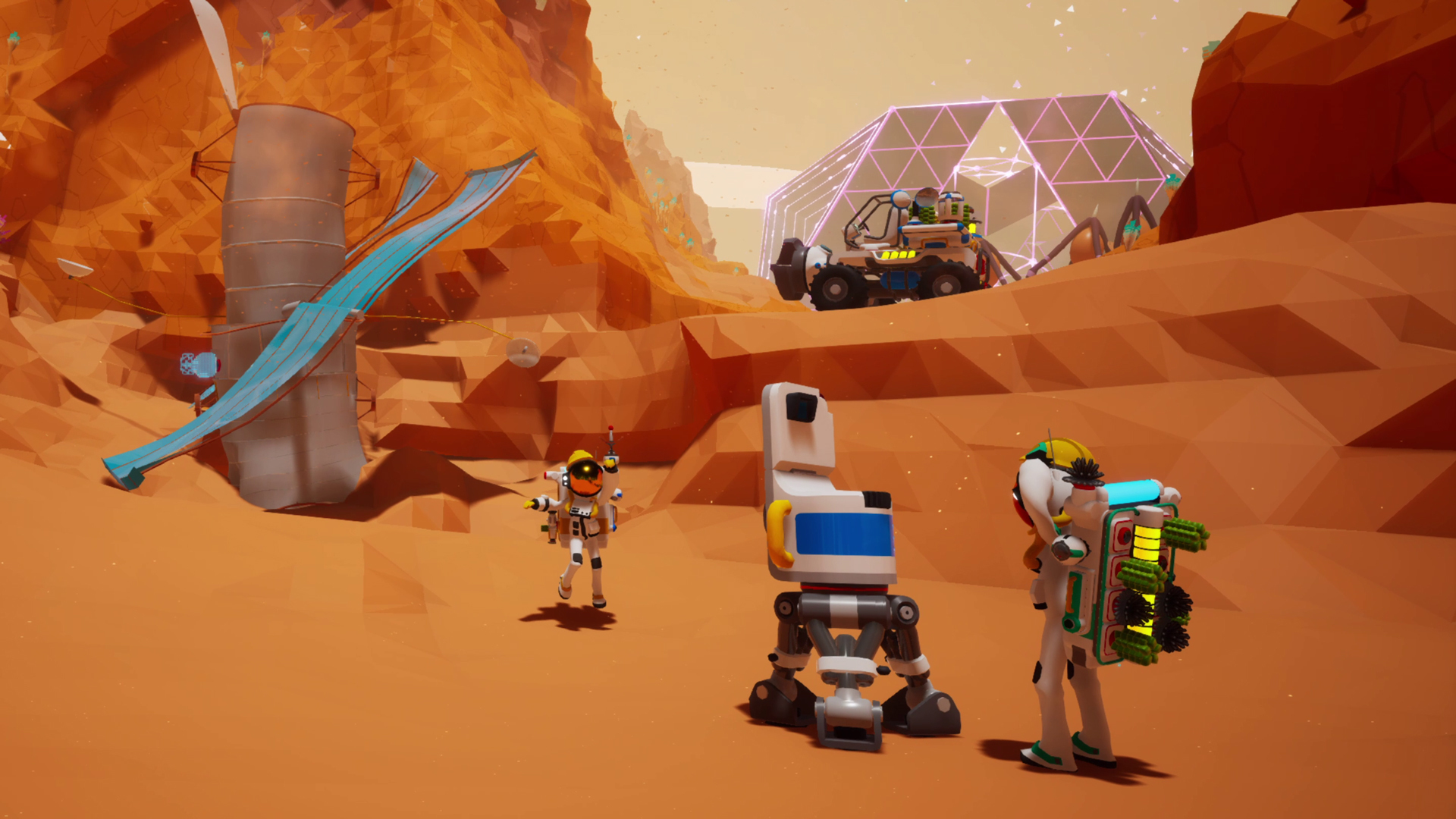
Fixed a legacy issue where certain Mission items, like the Vehicle Data Recorder that spawns on Desolo, could sometimes fail to spawn.
In this update, we fixed the above-mentioned legacy bug. It ended up being quite the technical undertaking, so here are some details about the issue itself, and how our fix could impact your game.
In ASTRONEER, we use a world generation system to procedurally generate new planets when you create a new save. During this process, the game determines the locations where specific objects should spawn, like the Vehicle Data Recorder (different items have different location requirements).
In very rare circumstances, the game would generate a planet without a viable location for certain items to spawn. If that happened, the options were to fail to place the items, or to keep loading indefinitely. Both of these situations are bad, but failing to place an item is better than sitting on the loading screen forever.
The following is a list of the affected items, also known as POIs, or Points Of Interest:
-
Wanderer Probes
-
Vehicle Data Recorder
-
Material Analysis Transmitters (MAT’s)
-
Mission Data Caches
-
Satellite Wrecks
-
Vehicle Ports (previously Parkade Pad, where you find Data Circuits)
-
Space Ports
-
Mega-X Platforms (previously Installed Platform, where you find the Extra Large Resource Canister)
-
Storm Spawn Locations
-
Note: Storms will now spawn in new locations. In the base game, storms can be disabled in the Settings menu. Go to the Options tab and under General you can check the “Storms Disabled” checkbox.
-
To fix this issue, when the game fails to find a spawn location, we lower the POI’s spawn requirements. The game then continues retrying and lowering requirements until a spawn location is found. A trade-off to fixing a bug in a core system like world generation is that we have to apply it across the whole game, including existing save files.
Most players won’t notice any changes, but some of you may find the affected POIs in new locations. We’ve taken steps to prevent them from spawning on top of your existing items in-game. New POI’s are only spawned when a save has less of them than it was meant to!
-
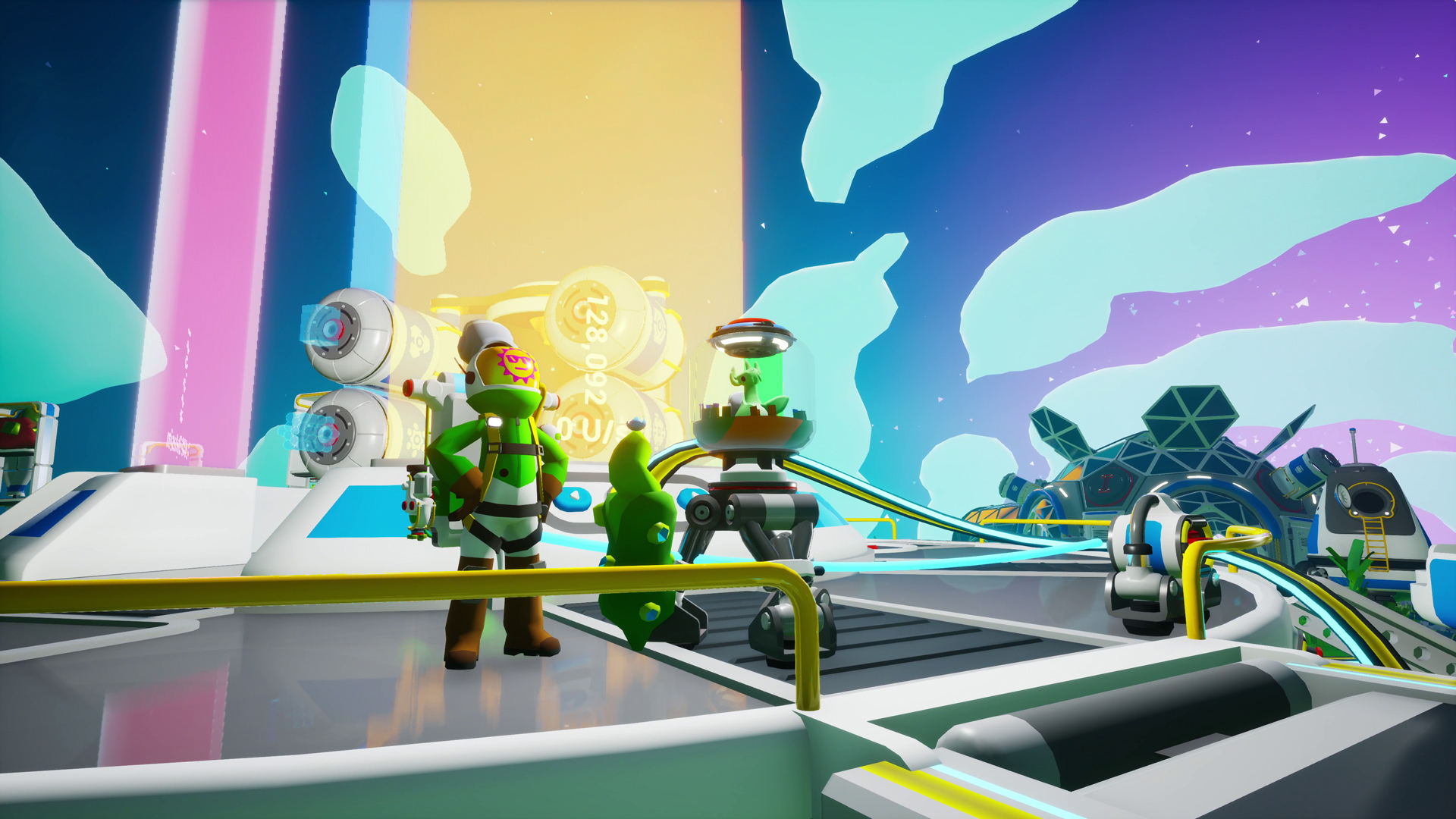
Removed the Increased Backpack Capacity Perk and replaced it with a new Perk which increases Galastropod and EVA buff durations.
We’re swapping the Museum Donation Perk for reaching the final Power donation milestone, which used to grant increased Backpack power capacity. There were issues that were making this Perk not work as intended, and we also saw the feedback that it wasn’t an impactful enough Perk.
Because of this, we’ve swapped it out for a new Perk that grants up to 30% increased buff duration from any of the Galastropods or EVA. As a reminder, each active Perk consumes 5 U/s, and the Perk will decrease in effectiveness proportionally if the Museum is underpowered.
Intermodal Terminal (IMT):
-
Fixed an issue which caused the load mode on the IMT Rail Station C to revert after saving.
-
Fixed an issue which caused players to get stuck in their seat after being loaded onto and launched in an automated Shuttle.
-
Fixed an issue which caused settings made to the IMT Rail Station B & C to save without confirming.
-
Fixed an issue which forced players to manually relaunch empty Shuttles that are set to automatic launch, whilst on an IMT Landing Pad, on reloading a save file.
-
Fixed an issue for multiplayer clients where ‘Launch into Orbit’ would be displayed erroneously on a Shuttle’s tooltip while occupying a Shuttle placed on an IMT Landing Pad.
DLS:
-
Fixed an issue in multiplayer that could sometimes prevent client players from launching an Orbital Platform package on the DLS.
Orbital Platform:
-
Fixed an issue in multiplayer which caused the Orbital Platform’s MEGA-Mini Asteroid to disappear after being changed by the host.
-
Fixed an issue in multiplayer where client players could become stuck on the Orbital Platform launch cutscene if they rejoined the game.
-
Fixed an issue in multiplayer which caused the Orbital Platform’s Mega-Terrain Platforms to be invisible when viewed from a planet.
-
Fixed an issue where the Orbital Platform’s Mega-Terrain Platforms can become visually skewed when viewed from a planet.
Biodome:
-
Fixed an issue which caused a small visual error on the interior of the Biodome.
-
Fixed an issue on the Xbox and Xbox for PC App that prevented loading or saving saved games that were larger than 16MB in size.
-
Dev Note: We’ve been investigating this bug for quite a while, and we know it’s been a real pain to deal with for anyone affected by it. The way Xbox handles save file limits is pretty tricky, but we think this update should address it. We thank you for your patience, and if you continue to experience issues, please let us know: https://support@systemera.net
-
-
Fixed an issue that was preventing Solid Fuel Thrusters from being properly consumed and turned into Used Solid-Fuel Thrusters.
-
Fixed an issue which caused all Control Panels to be cut off and partially unviewable if FOV was set to -20.
-
Fixed an issue where Vehicle Port tooltips could appear as Mega-X Platform in saves created before Update 42.
-
Fixed an issue preventing the green light on top of the XL Resource Canister from lighting fully.
-
Fixed an issue where some seed resource levels could be hard to see inside Resource Canisters.
-
Fixed an issue which caused Wheezeweed and Spinelily plants to not drop Research Samples when dug up.
-
Fixed an issue in Creative Mode which caused the Simulated Aquarium to appear in the Medium Printer Plinth when it should only appear in Small Printer Plinths.
-
Fixed an issue which caused the leaves on the Robo Bonsai to become invisible if the player would set it to Growth Mode and then saved and reloaded the game.
-
Fixed an issue which caused some of the audio in the final Galastropod Mission cutscene to cut out.
-
Fixed an issue on PS5 which removed controller vibration feedback on the VTOL if a player rode a Hoverboard first.
-
Added audio sound effects for turning on/off the Tether Dropper.
The following issues were identified following the release of the previous patch. Most of those were already addressed in this patch; these will follow in an upcoming update. Check the Bug Tracker[docs.google.com] for more information.
-
#2245 – Shuttles that are placed on the IMT will not have a prompt to launch even when removed from the IMT. You can resolve this by packaging and then unpackaging the Shuttle.
-
#2122 – On the IMT (specifically Pad B), if the player removes a storage unit from a Shuttle while the IMT is in Loading mode, the items on the storage unit will incorrectly transfer over to the Shuttle instead of moving off with the storage.
In our previous update, we implemented a change to Data Circuits so that they would all be unscrappable and instead become destroyable with Dynamite. This was done as part of a set of fixes for instances where Mission-required Data Circuits could be lost and lock you out of completing those Missions, so we made the Data Circuits reclaimable at the POIs (Points of Interest) that generate them.
Since Data Circuits were scrappable, we worried it might be exploitable as an infinite source of free Scrap, so we also chose to make them unscrappable. This change was not intended to also affect the Data Circuits you get from LTEs, which can be pretty plentiful, but it did. Plenty of you rightly pointed out this inconvenience as well as a few other issues, so in our next update we’re making the following changes to address this:
-
All Data Circuits will be made scrappable again.
-
All Data Circuits will no longer be destructible with Dynamite.
-
Reclaimed Data Circuits are limited to 1 per POI that generated them.
-
This means that only 1 reclaimed Data Circuit can exist at any given time per POI that generated them, not that you can only use the Reclaim action once per POI. Also, when you generate a new reclaimed Data Circuit, it will delete the previously reclaimed one. This measure is primarily to help with performance.
-

We look forward to hearing your feedback on the latest changes! Keep an eye on our Live Bug Tracker[docs.google.com] to check the status on other bugs present in the game, and if you run into an issue that isn’t listed or you have more information to share, please send us a bug report[systemera.net].
– Honourael
